A320 takeoff and landing performance, straight from your SimBrief OFP
SkyNexus works out your A320 takeoff and landing numbers the way a dispatcher would: V-speeds, FLEX temperature, the best flap setting and the margin on every runway distance. Weight, runway and live weather come from your SimBrief flight plan, so the first answer is on screen before you have finished the cockpit setup. It is free and runs in your browser next to the sim.
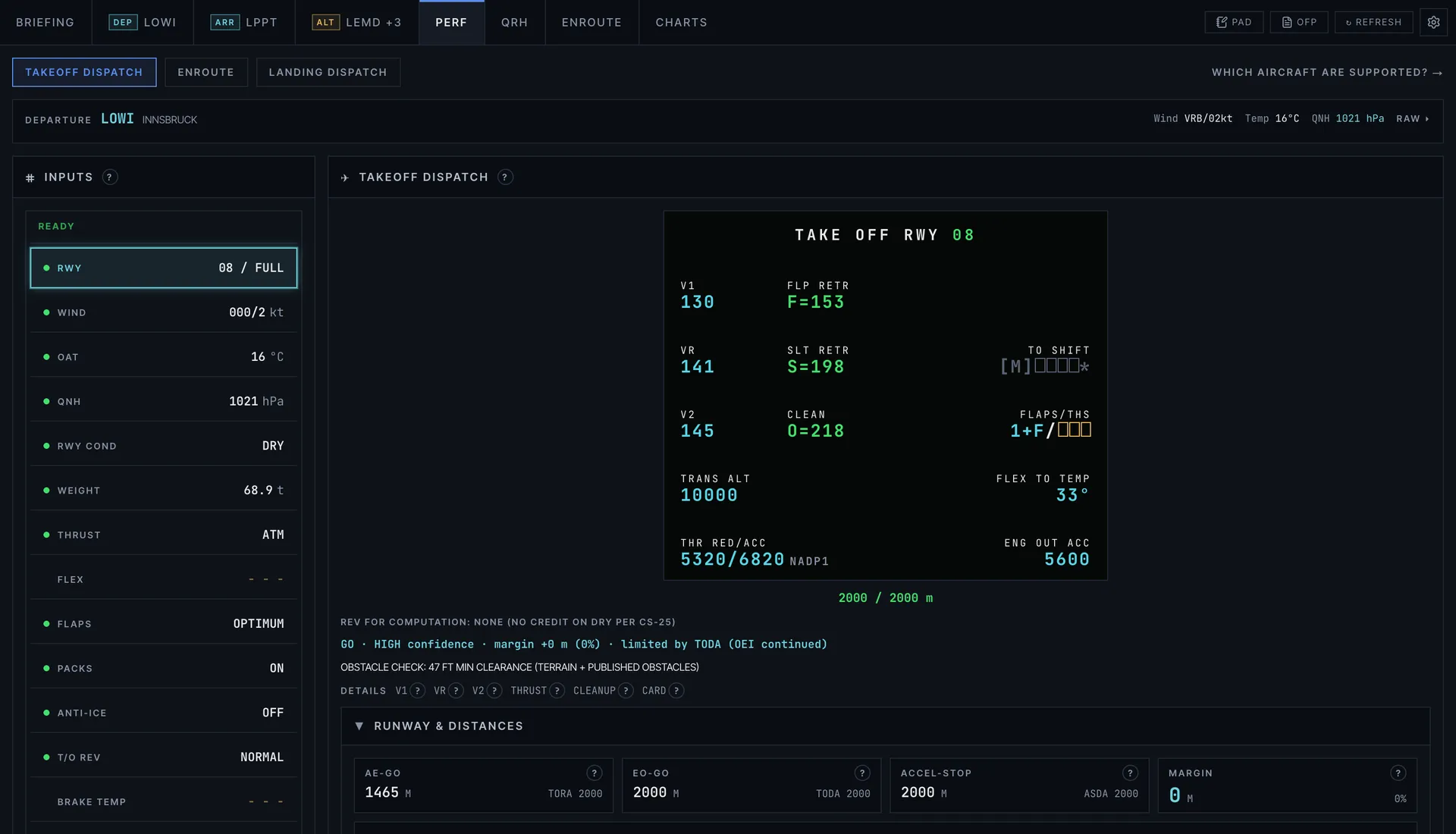
Every takeoff number you enter into the MCDU
- V1, VR and V2, with the FCOM minimum control speeds as a floor, and V2 raised automatically when the engine-out climb gradient needs it.
- FLEX temperature, or TOGA when FLEX is not allowed, up to the certified limit for the day.
- OPTIMUM flap: CONF 1+F, 2 and 3 are each checked and the one with the most runway margin wins.
- All three distances checked against the runway: all engines, engine failure and continue, and accelerate-stop, against TORA, TODA and ASDA.
- Intersection departures with the take-off shift, and the result laid out like the PERF TAKE OFF page.
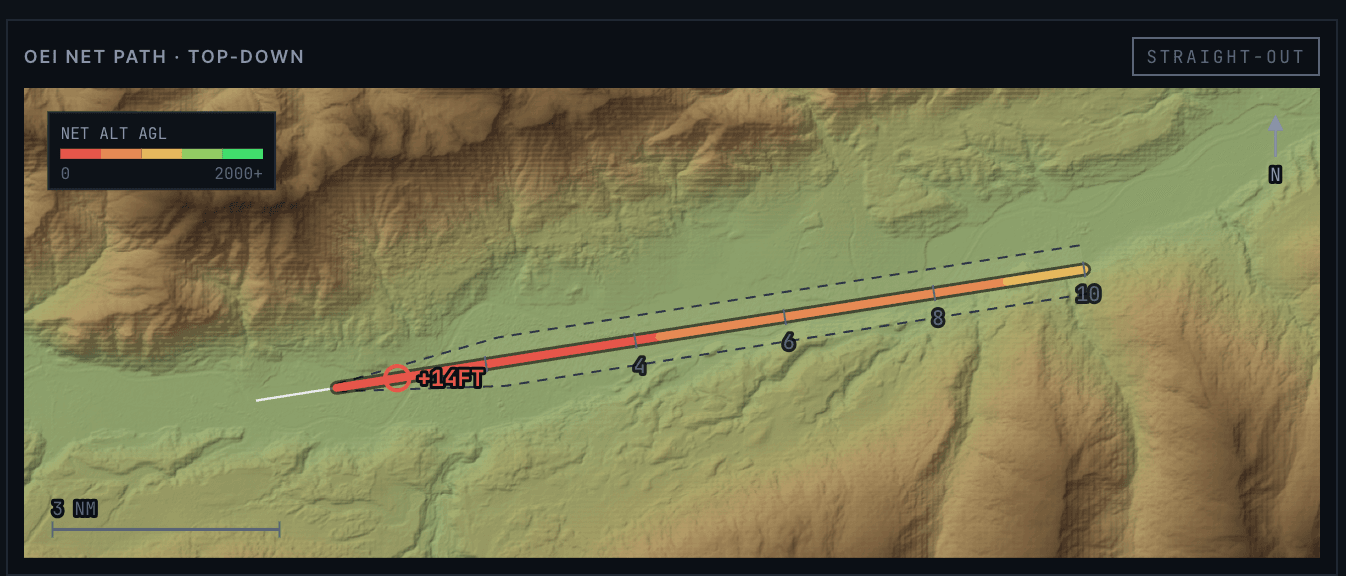
Engine failure after V1
Losing an engine is where takeoff performance earns its keep. SkyNexus checks the one-engine net flight path against terrain and obstacles in the departure sector, shows the engine-out acceleration height, and draws the engine-out procedure from above when the airport publishes one. The noise abatement procedure for your runway is picked for you.
Landing distance and where you will vacate
For landing you get the required distance factored for dispatch and the unfactored distance you can expect on the day, for dry, wet and contaminated runways, with autobrake and reverse thrust. You can enter the runway condition code directly. The briefing also predicts which exit you will make, from your landing weight, the wind and the runway layout.
Inputs come from your flight, and you can change any of them
Weight, runway, wind, temperature and QNH are read from the OFP and the latest METAR. Add your centre of gravity and you get the trim setting as well. Change anything and the numbers update as you type. Inoperative items from the MEL and missing parts from the CDL add their published penalties.
Where the numbers come from
The model uses public Airbus material, the EASA type certificate and the open-source OpenAP performance library, and it is checked against published tables. The required landing distances, for example, land within a few percent of the FCOM values. Every number has a help button that explains how it was worked out. This is a tool for flight simulation and learning. Never use it for a real aircraft.
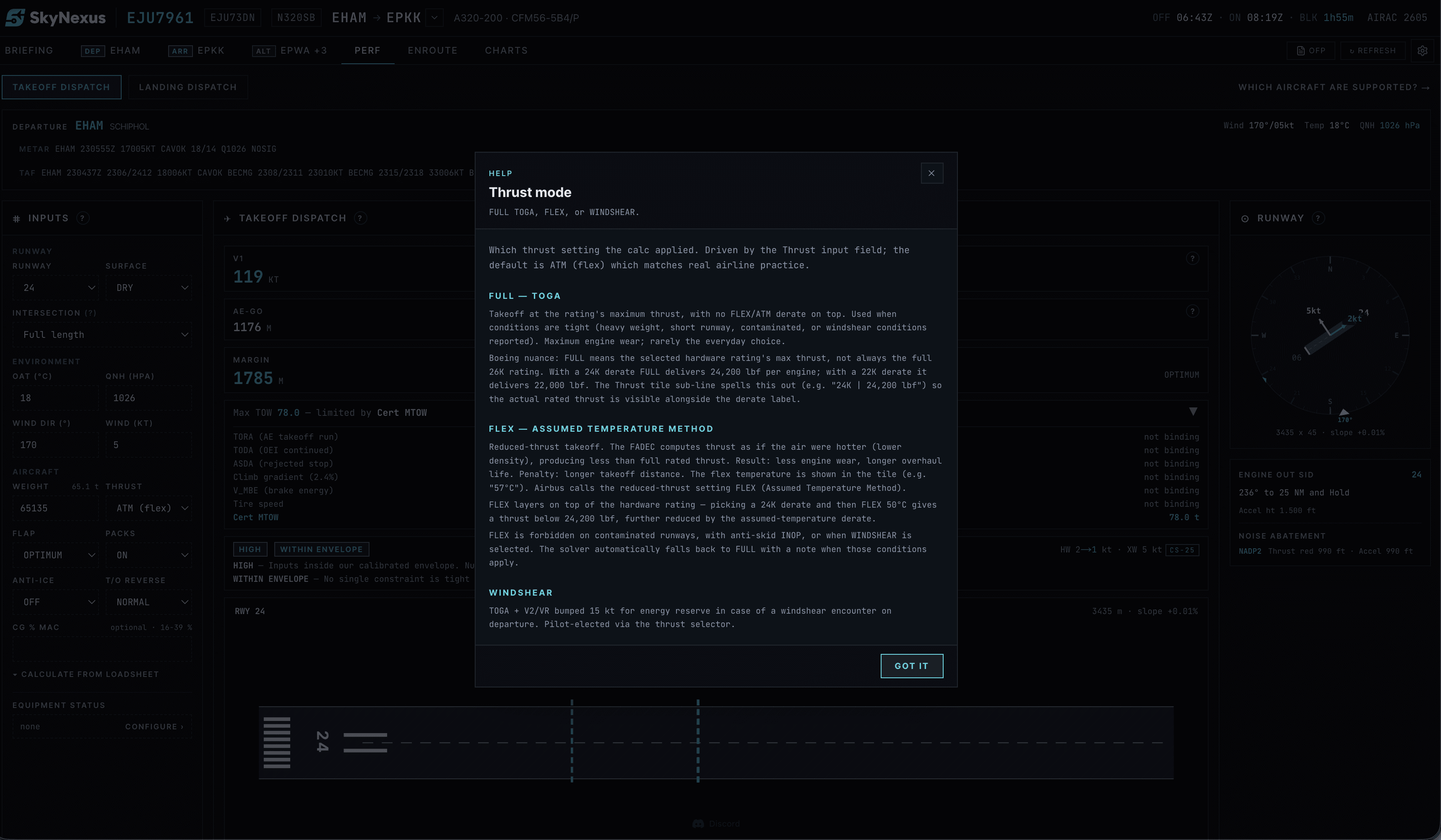
Also for the Boeing 737-800
The same takeoff and landing workflow works for the 737-800. A few extras stay A320-only for now, such as the runway condition code input and the QRH landing tables.
A320 performance FAQ
- Is the A320 performance calculator free?
- Yes. Create an account, enter your SimBrief Pilot ID and the performance tab is there for every A320 or 737-800 flight plan.
- Does it match my A320 add-on?
- The model is an A320ceo with CFM56-5B4 engines. Because the inputs come from SimBrief rather than from the add-on, it works alongside any A320 in any simulator. Add-ons that model a different engine or weight variant can show small differences.
- Does it support the A320neo?
- Not yet. The neo needs its own engine data, and it is the next type on the list.
- How accurate is it?
- It is calibrated against published Airbus tables and every calculation step is explained in the app. It is accurate enough to fly a realistic departure in the sim. It is not certified and must never be used for real flights.
- Can I use it without SimBrief?
- You can try it with the built-in demo flight. For your own flights it needs a SimBrief flight plan, which gives it the weight, runway and weather.
Get your numbers for the next departure
Free, in the browser, filled in from your SimBrief flight plan.
Open SkyNexus